
Settings → Your policies: what Arkrooms covers reads your child protection policy or volunteer handbook and lists each requirement in it, with a verdict: ✅ met (and the setting that does it), 🟡 partly (and what's left), 🔧 not yet, or ⛔ outside Arkrooms (Check-Ins does it, or it's about conduct, which your signed policy covers).
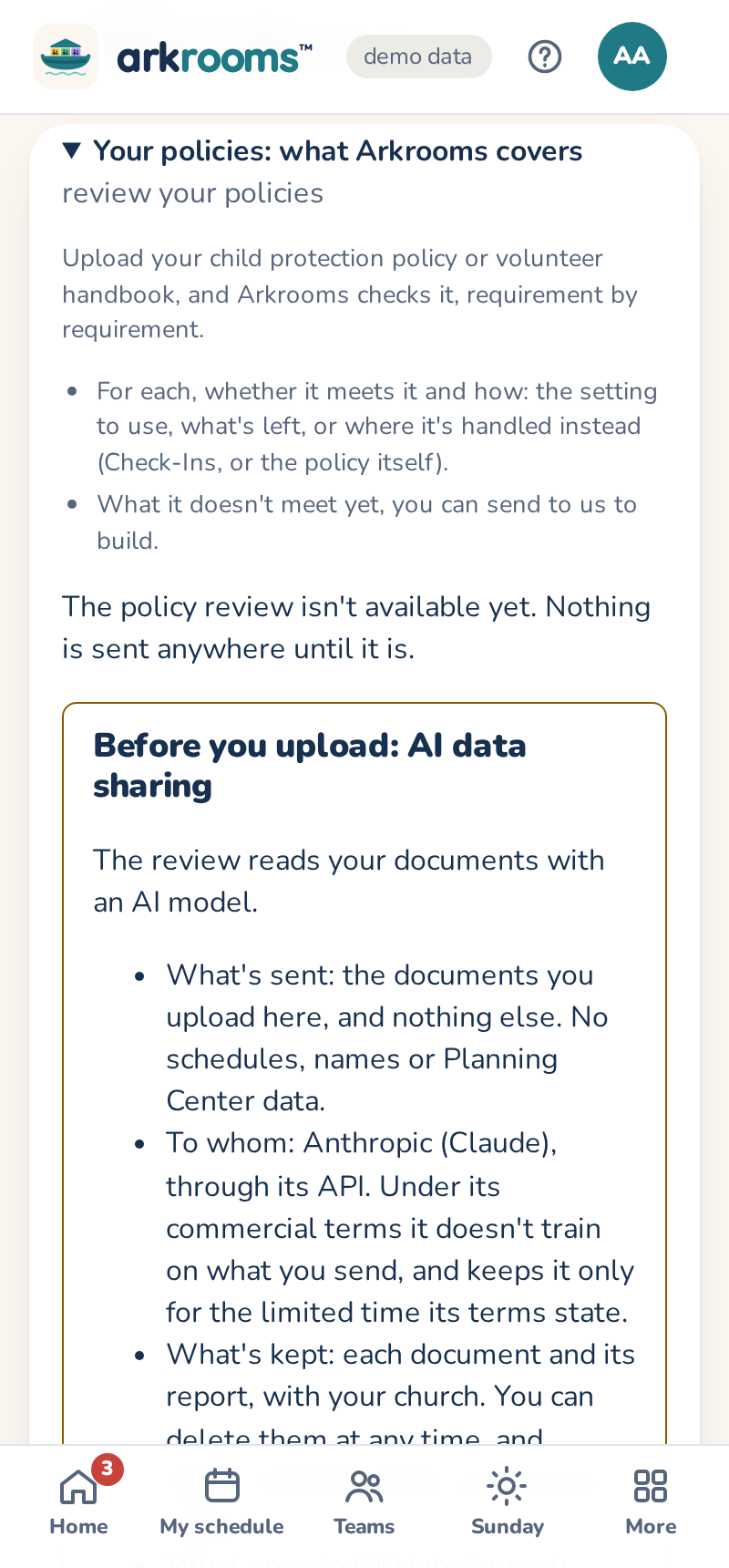
1. Read the AI data-sharing notice and agree. The review uses Anthropic's Claude: only the documents you upload are sent, and it doesn't train on them. Take out filled-in forms with personal details first. 2. Upload a policy (PDF, Word or text, up to 10 MB), then Review it. It takes a minute or two; each document can be reviewed once a day. 3. Where there's a setting to change, Apply… opens it with the numbers from your policy shown; you check them and save. Print the report to share it. 4. Send to Arkrooms sends each requirement Arkrooms doesn't meet yet to us, as its topic and a short quote, with no names or contact details.
The verdicts are a starting point: your church decides whether Arkrooms meets your policy. Withdraw stops any more reviews, and can delete what you uploaded.