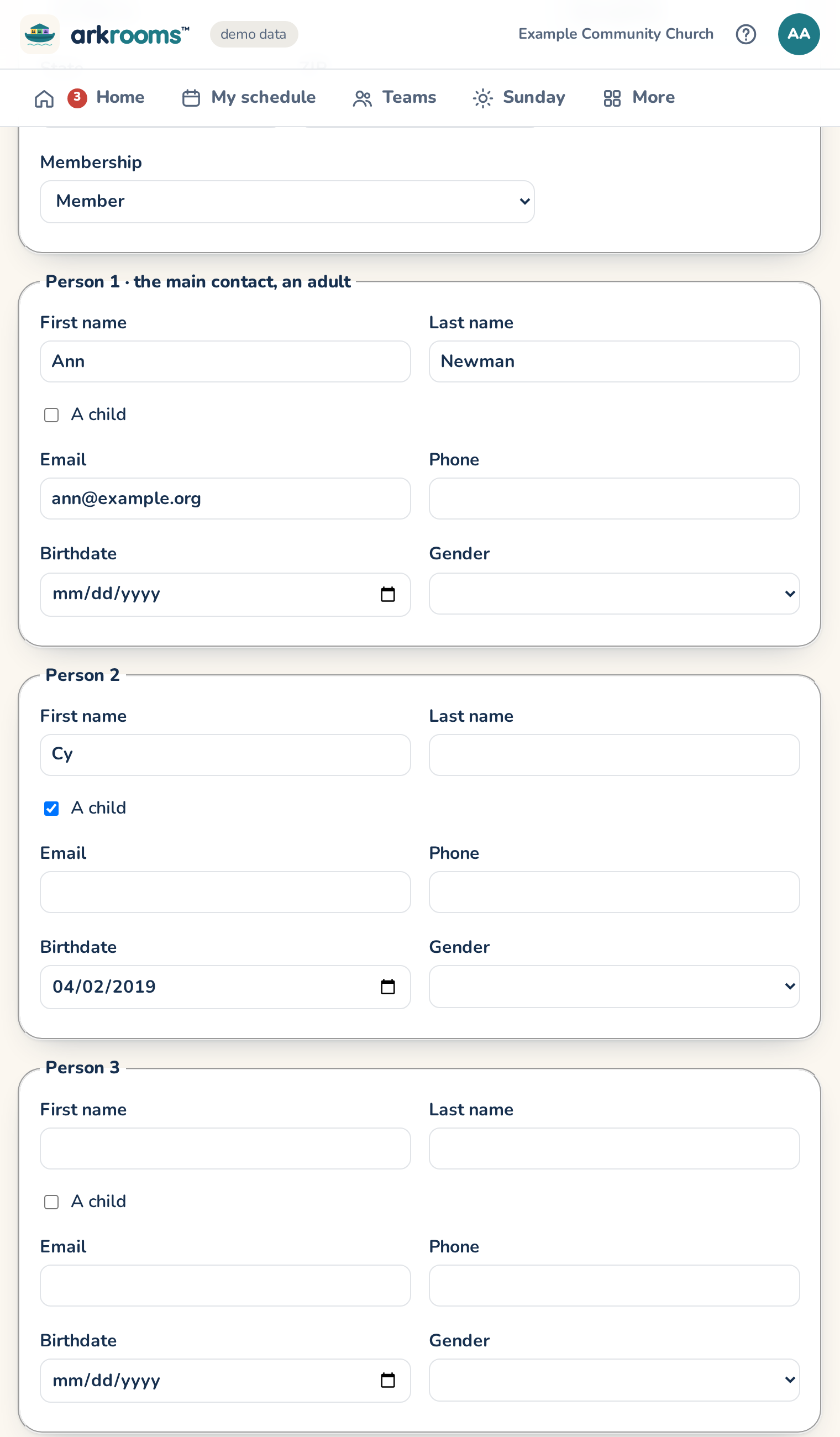
Add a family, in More, adds a new family to Planning Center People in one go: each person's name, whether they're a child, email and phone, birthdate and gender, and the family's address and membership (your church's own types, Member to start). Add another person gives more rows; a child's empty last name is taken from the family's.
- Off until you turn it on. It's done with your own Planning Center sign-in, so your People access needs to be Editor or more, and Arkrooms can change Planning Center has to be on (Settings → Planning Center).
- Add them to Planning Center creates each person, then a household of their own with the first adult as its main contact.
- Go through my household first (off unless you tick it), so you can share new members in Church Center's directory, which only someone in a person's household can do. It takes three steps: 1. Add them to Planning Center creates them and adds them to your household. 2. Open Church Center's directory (the button goes to your church's), choose Share, tick each new person and what to share, and save. 3. Move them to the … household gives them a household of their own and takes them out of yours. A family waiting for this step stays listed on the page (in this browser) until you do it.
Use it only where joining as a member is how people agree to be listed.
- Safe to retry: anyone Planning Center already has (the same name and email) stops the whole family, so nobody is pulled out of their own household. If something fails partway, the page lists what was done; nothing is deleted. Nothing from the form is kept.